Tired of wrestling with stacks of paper for your crane hire jobs? You know, the ones that get lost, smudged, or just plain forgotten? Going digital with your crane hire job docket app isn't just a trend; it's a smart move for your business. Let's look at why ditching the paper trail makes sense and how an app like EQUIPR Operator can make your site operations run a lot smoother.
Key Takeaways
- Paper dockets can cause headaches with lost info, errors, and slow communication. A digital crane hire job docket app fixes this.
- Digital apps let you see job progress as it happens and get instant updates.
- Getting signatures and snapping photos or videos on the spot makes records solid and reduces disputes.
- Automated reports and invoicing save heaps of time and help you get paid faster.
- Choosing the right crane hire job docket app, like EQUIPR Operator, means better site management and happier clients.
Why Go Paperless with Crane Hire Job Dockets?
Let's face it, managing crane hire operations can get messy, especially when you're still relying on paper job dockets. You know the drill: clipboards, carbon copies, pens that run out of ink at the worst possible moment. It's a system that's been around forever, but it's got some serious downsides that can really slow you down and cost you money.
The Challenges of Traditional Paper Dockets
Paper dockets are a pain. They get lost, smudged, or just plain forgotten. Think about the time spent chasing down signatures, deciphering handwriting that looks like a doctor's prescription, and then manually entering all that information back at the office. It's a recipe for errors, delays in invoicing, and a whole lot of frustration. Plus, keeping track of all those physical documents? It's a nightmare for storage and retrieval when you actually need to find something specific.
- Lost or Damaged Documents: Rain, wind, or just a clumsy moment can ruin a docket.
- Illegible Handwriting: Trying to read scribbled notes is a challenge for anyone.
- Manual Data Entry: This is time-consuming and prone to mistakes.
- Delayed Invoicing: If the docket isn't back in the office, the invoice can't be raised.
- Storage and Retrieval Issues: Finding old dockets can be like looking for a needle in a haystack.
The sheer volume of paperwork generated daily can quickly overwhelm even the most organised office. This administrative burden takes valuable time away from core business activities.
Benefits of a Digital Crane Hire Job Docket App
Switching to a digital app changes the game entirely. Imagine having all your job information, signatures, and photos instantly accessible on your phone or tablet. No more chasing paper. You can capture details right there on site, get digital sign-offs, and send everything through immediately. This means faster invoicing, fewer errors, and a much smoother workflow for everyone involved. It's about making your life easier and your business more efficient.
- Instant Data Capture: Record job details, times, and any issues as they happen.
- Clear Digital Signatures: No more arguments about who signed what.
- Real-time Updates: Keep everyone in the loop, from the operator to the office.
- Reduced Errors: Eliminate mistakes from manual data entry and illegible writing.
- Faster Payments: Get those invoices out the door quicker and get paid sooner.
Key Features to Look for in a Crane Hire Job Docket App
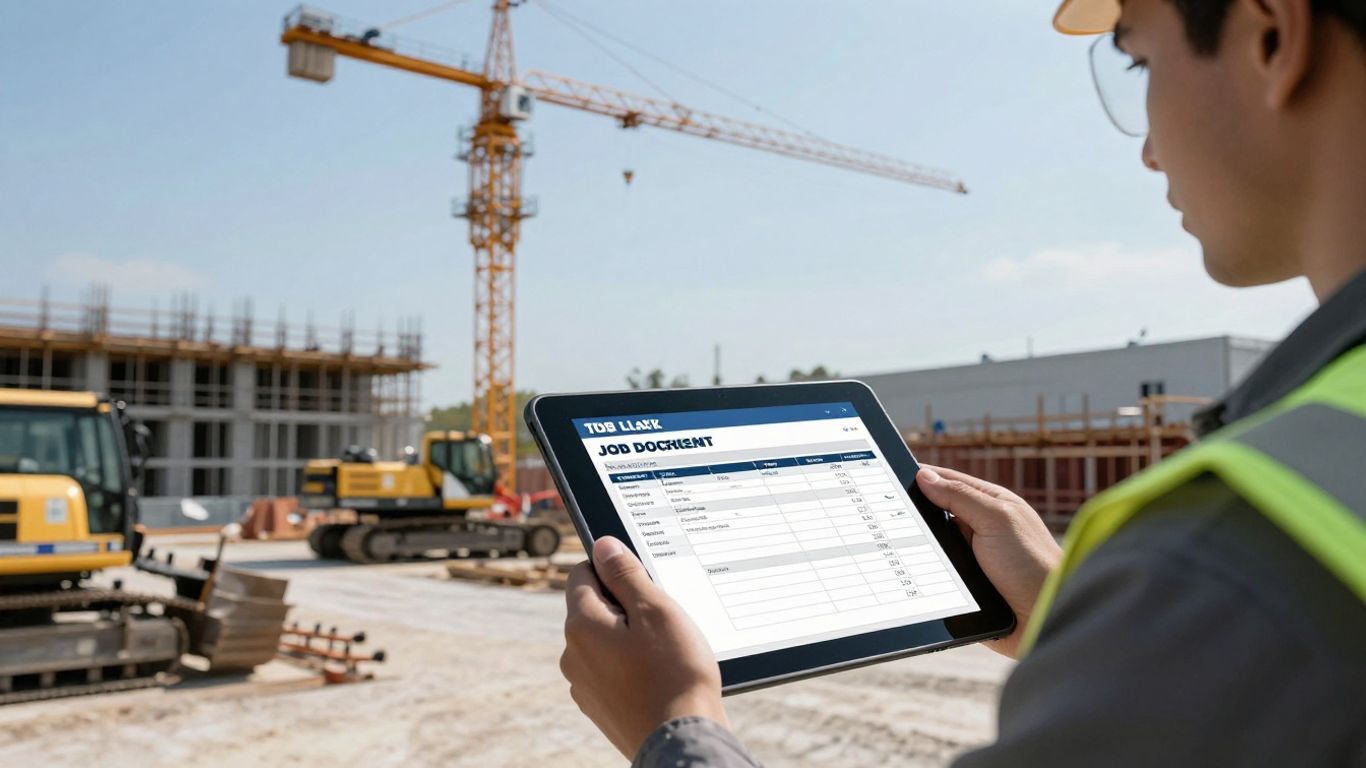
When you're looking to ditch the paper dockets for good, you'll want an app that really works for you on site. It's not just about having a digital form; it's about making your job easier and your business run smoother. Think about what you actually do day-to-day. What information do you need to capture? How do you communicate with the office? An app that ticks the right boxes can save you heaps of time and stop those annoying mistakes.
Real-time Job Tracking and Updates
Imagine knowing exactly where your crane is and what it's doing, right now. A good app lets you see the status of every job as it happens. This means the office knows when you've arrived, when you've started, and when you've finished, without you having to make a call or send a text. This kind of instant visibility stops confusion and helps with scheduling. You can update your progress with a few taps, and everyone stays in the loop. It’s like having a live map of all your operations.
Digital Signature Capture
Forget about smudged ink and illegible scribbles. You need a way to get official sign-offs directly on your device. This means clients can approve the work done right there on the spot, using their finger or a stylus. The app then saves this signature securely with the job docket. It’s a clean, professional way to confirm everything is good to go and avoids any 'he said, she said' arguments later on.
Photo and Video Documentation
Sometimes, a picture really is worth a thousand words, especially when it comes to site conditions or equipment status. Your app should let you snap photos or even record short videos directly from the job docket. You can use this to document pre-start checks, any damage, the setup of the crane, or the completed lift. Attaching visual evidence makes your records much stronger. It’s super handy for proving what the site looked like, or if there were any issues that needed noting.
Automated Reporting and Invoicing
This is where the real time-saving magic happens. Once a job is complete and signed off, the app should be able to automatically generate a report. This report can then be sent straight to the office or even directly to the client. Ideally, this information feeds straight into your invoicing system. No more manually typing up docket details into another program. It cuts down on errors and speeds up getting paid. You want a system that takes the data you’ve captured and turns it into a finished document with minimal fuss.
Integration with Existing Systems
Your new app shouldn't be a standalone island. Think about how it will connect with the other software you already use, like accounting or fleet management systems. If the job docket app can talk to your accounting software, for example, it means all the job details and client approvals can flow through to invoicing without any double-handling. This kind of integration is key to a truly paperless workflow and stops you from having to re-enter data all over the place. It makes everything much more efficient.
Using EQUIPR Operator
Considering Your Specific Operational Needs
When you're looking at a new app for your crane hire business, especially one like EQUIPR Operator, it's easy to get caught up in all the shiny features. But before you jump in, take a moment to really think about what you actually need. What are the daily headaches your team faces with the current system? Are you losing paperwork? Are clients complaining about slow invoicing? Pinpointing these issues will help you see which parts of an app like EQUIPR will make the biggest difference.
Think about the types of jobs you do most often. Are they short, quick lifts, or long, complex projects? Does your team need to capture specific site conditions or equipment details? EQUIPR is designed to be flexible, but understanding your own workflow first means you can set it up to work for you, not against you. It’s about making your job easier, not adding another layer of complexity.
Here are a few things to consider when tailoring EQUIPR to your operations:
- Job Types: How do you categorise your crane hire jobs? (e.g., Residential, Commercial, Industrial, Emergency Response)
- Client Information: What details do you need to record for each client and job site? (e.g., Contact person, site access notes, specific hazards)
- Equipment Details: What information about the crane and any attachments is important to log? (e.g., Serial numbers, maintenance checks, load charts)
- Reporting Requirements: What information do your clients or internal management typically ask for?
EQUIPR Operator isn't just a digital clipboard; it's a tool that can streamline how you manage jobs from start to finish. By taking the time to align its capabilities with your day-to-day tasks, you're setting yourself up for smoother operations and happier clients. It’s about making technology work for the practical realities of crane hire.
Don't just download and hope for the best. Spend a bit of time with the app, maybe even run a few test jobs. Talk to your operators and see what they think. Their feedback is gold. Getting it right from the start means you'll actually use it, and that's where the real benefits come in.
The Future of Crane Hire Operations: Embracing Digital Solutions
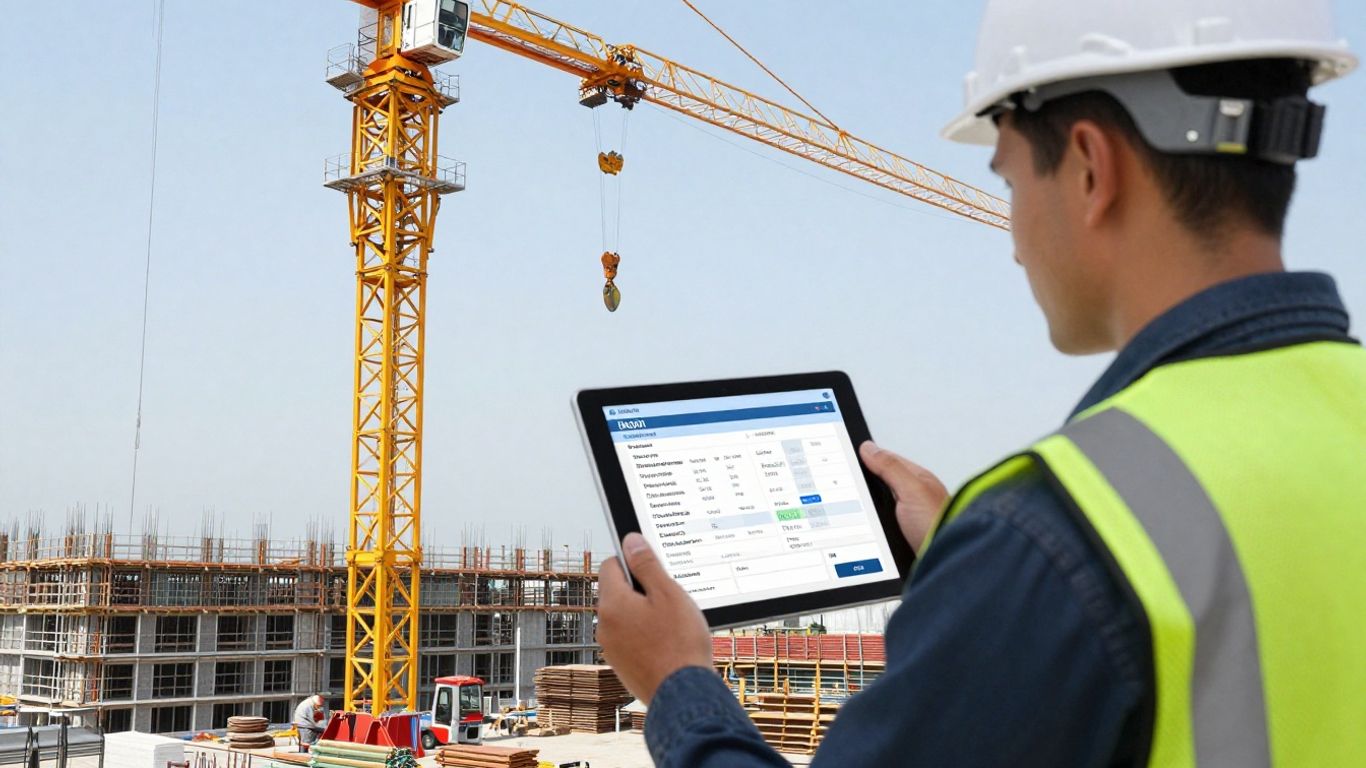
You've seen how a good app can sort out your job dockets, but where's all this heading, really? It's pretty clear that paper is on its way out for good in the crane hire game. Think about it – every bit of information, from the moment the crane leaves the yard to when it's back, can be captured digitally. This isn't just about making things neater; it's about making your whole operation run smoother and smarter.
The shift to digital means you're not just keeping up, you're getting ahead.
What does this future look like on the ground? Well, you'll likely see:
- Real-time job status: Knowing exactly where your crane is and what it's doing, without having to make a dozen phone calls.
- Instant proof of work: Photos and signatures captured right there and then, cutting down on disputes later.
- Automated paperwork: Less time spent filling out forms and more time on actual crane work.
- Better data for decisions: All that captured info can show you where you're doing well and where you could improve.
This move away from paper isn't just a trend; it's becoming the standard way to operate. Companies that stick with old methods will find themselves falling behind.
The benefits go beyond just convenience. Think about the reduced risk of lost paperwork, the improved accuracy of job details, and the faster turnaround for billing. It all adds up to a more professional and efficient business.
Why Choose EQUIPR?
So, you're looking at digital solutions for your crane hire business, and you've stumbled upon EQUIPR Operator. That's a good sign. When you're sifting through the options, it's easy to get lost in all the features. But let's cut to the chase: what makes EQUIPR stand out for you?
EQUIPR Operator is built with the actual operator in mind, not just the office. This means it's designed to be straightforward to use when you're out on site, often with dirty hands and a lot going on. You don't need to be a tech whiz to get the most out of it.
Think about the daily grind. You've got job dockets to fill out, client signatures to get, and photos to take to show the condition of the crane or the site. EQUIPR bundles all of this into one easy-to-manage app. No more stuffing paper dockets into a dusty clipboard or trying to find a pen that actually works in the rain.
Here’s a quick look at what you get:
- Simple Job Management: See your jobs, get details, and update status without fuss.
- Digital Signatures: Clients can sign right on your device. Easy peasy.
- Photo & Video: Snap pics or record short videos to document everything. Proof is in the pudding, right?
- Instant Updates: Your office gets notified straight away when a job is done or if there's an issue.
The real win here is cutting down on errors and lost paperwork. When everything's digital and logged in real-time, you spend less time chasing down information and more time actually operating. It just makes sense for keeping things running smoothly and getting paid faster.
It’s about making your day-to-day tasks simpler and more efficient. If you're tired of the paper trail and want a system that works with you on the ground, EQUIPR Operator is definitely worth a serious look.
Wrapping Up Your Crane Hire Operations
So, if you're still wrestling with piles of paper on your job sites, it's time to think about making a change. EQUIPR Operator really does seem like a solid way to ditch the paperwork and keep everything organised digitally. You'll find it makes tracking your crane hire jobs a lot simpler, from start to finish. Give it a go, and see how much smoother your site operations can become. It might just be the tool you need to get things done more efficiently.
Frequently Asked Questions
Why should I ditch the old paper job dockets for my crane hire business?
Think about it – paper dockets get lost, smudged, or are just plain hard to read. Going digital means everything is stored safely, easy to find, and super clear. Plus, you can send off info and get paid faster, which is a win-win.
What's the biggest advantage of using a crane hire app like EQUIPR Operator?
The best part is keeping everything organised in one spot. You can see where your cranes are, what jobs are happening right now, and all the important details are captured instantly. No more chasing down paperwork!
Can I really get signatures on my phone or tablet?
Absolutely! Most good apps let you grab digital signatures right there on the spot. It’s quick, easy, and means your paperwork is official without needing a pen and paper.
What if something goes wrong on a job site and I need proof?
That's where the photo and video features come in handy. You can snap pics or record short videos of the site, the crane's position, or any issues that pop up. It's like having a visual diary of the job.
Does EQUIPR Operator help with sending out invoices?
You bet. Once a job is done, the app can help create reports automatically. This often means you can get your invoices sorted and sent out much quicker, meaning you get paid sooner.
Is it hard to get started with a new app like EQUIPR Operator?
Not at all. While it's good to think about what your business needs most, apps like EQUIPR are designed to be user-friendly. They often have simple steps to follow, and you can usually get up and running pretty quickly.